

Does TikTok Notify Screenshots in 2026? What Actually Happens

Last Updated: Mar 15, 2026
TikTok GrowthQuick answer: TikTok does not notify users when someone takes a screenshot of regular videos, profiles, or Stories. In 2026, screenshots of public TikTok content remain private. However, certain features like disappearing photos in direct messages may show screenshot indicators in some cases.
TikTok is one of the most popular apps for short videos, trends, and viral clips. So it’s no surprise that many users ask: Does TikTok notify when you screenshot? Many creators would feel uncomfortable knowing someone saved their content.
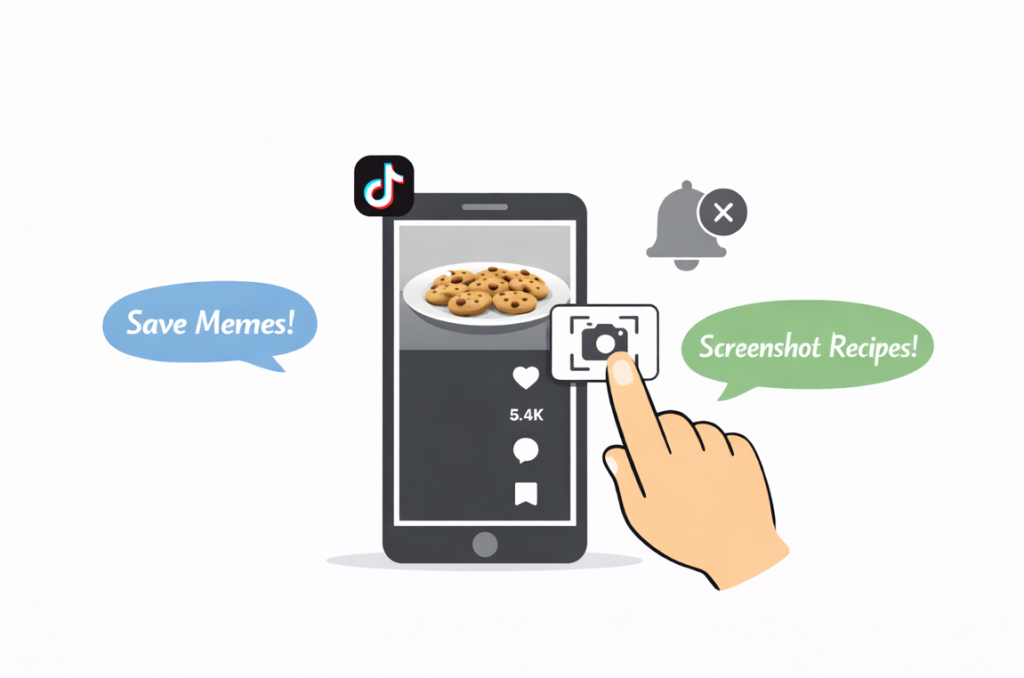
When Does TikTok Notify Screenshots?
Now let’s talk about the tricky cases. Things change a bit depending on where you take the screenshot. TikTok doesn’t notify anyone when you screenshot regular videos in your feed, but a few exceptions exist.
Private Messages (DMs)
If someone sends you a video or photo in a private chat, TikTok may let the sender know when you take a screenshot. DMs work differently from regular posts.
For example, if a friend sends you a meme in a private message and you screenshot it, they might see a small indicator that shows a screenshot happened. TikTok does this to protect privacy and keep private chats safer.
Stories
TikTok Stories work a bit like Instagram Stories, but notifications don’t work the same way. TikTok doesn’t send alerts when someone screenshots a Story.
That said, TikTok still tracks views. The creator can see who viewed their Story, but they won’t know who took a screenshot.
Profile Pages
TikTok also does not notify users when someone screenshots their profile page. This means you can take screenshots of bios, follower counts, or profile photos without the account owner receiving any alert.
Many users screenshot profiles to remember creators, save usernames, or track competitor accounts. TikTok does not track or report this type of activity.
Live Videos
Live videos are popular, but they come with risks. Anyone watching a live stream can record the screen or save a clip and use it later, even without the creator knowing. Parts of a live stream can show up outside TikTok as clips, highlights, or re-uploaded videos.
Still, creators don’t receive TikTok screenshot notification when someone takes a screenshot or records the screen during a live stream. However, creators can see the list of viewers who joined the live. So they won’t know who took a screenshot, but they can tell who watched the stream at that time.
Screen Recording
TikTok also does not notify creators if someone records their screen while watching a video. Screen recording works the same way as screenshots. Whether you save a clip, record part of a video, or capture a moment during a live stream, TikTok does not send a notification to the creator.
Videos with Limited Access
Sometimes people share videos with a small group, like close friends or selected followers. In this case, it works just like regular posts – TikTok doesn’t send screenshot notifications.
But there’s one important detail. Since the audience stays small, the creator knows exactly who has access to the video. So even if TikTok doesn’t show a screenshot, the creator might guess where the content came from if it shows up somewhere else.
Common Myths About TikTok Screenshots
Like any popular platform, TikTok has its share of rumors, especially about “Can people see if you screenshot their TikTok?” Here are some myths that still confuse people.
- Myth 1: TikTok secretly notifies the creator. Some people think TikTok quietly tells the creator every time you take a screenshot. That’s not true. If TikTok doesn’t show a notification, it simply doesn’t exist.
- Myth 2: Creators can see screenshots in their stats. TikTok shows views, likes, and comments, but it doesn’t track screenshots. No stat says “this video got saved via screenshot.”
- Myth 3: Viral videos track every screenshot. Even if a video goes viral, TikTok still doesn’t track who takes screenshots. Popularity doesn’t change that.
- Myth 4: Taking multiple screenshots will trigger a notice. It doesn’t matter if you take one, two, or ten screenshots – creators don’t get alerts for public posts.
So go ahead and save recipes, video ideas, or trending clips – no need to worry about the creator seeing it.
Why It’s Useful to Know TikTok Doesn’t Notify Screenshots
Imagine you see a competitor’s TikTok that’s getting tons of views. You want to save it to grab some ideas or see what’s working. The good news? TikTok doesn’t tell creators when you take a screenshot.
This helps you:
- Save cool ideas for your own videos
- Check out trends without stressing
- See what’s working so you can make your posts even better.
However, it’s always respectful to credit creators and avoid reposting their content without permission.
Tips for Creators: How to Protect Your Content
If you make videos on TikTok and want to keep them safe:
- Add a watermark or logo to your videos.
- Share sensitive clips only via private messages.
- Limit who can see certain Stories so you control the audience.
These tricks help protect your content while still letting you reach your followers.
Tips for Viewers: How to Save Content Without Notifications
Even though TikTok doesn’t really notify creators about screenshots, it’s normal to worry. Social media keeps changing, adding new features, and updating all the time. Here are some handy tips:
- Use a second device or account to take screenshots.
- Download videos via TikTok’s official save option, if it’s available.
- For regular posts, no notifications happen, so you can save freely.
This is super useful if you want to track trends or plan your own content.
FAQs About TikTok Screenshot Notifications
Does TikTok notify when you screenshot a video?
No. TikTok does not notify creators when someone takes a screenshot of their videos.
Does TikTok notify screenshots of Stories?
No. TikTok Stories do not trigger screenshot notifications.
Can someone see if you screen record their TikTok?
No. Screen recording TikTok videos does not send any alerts to the creator.
Can TikTok detect screenshots?
Currently TikTok does not track or report screenshots of public content.
Conclusion
So, does TikTok show when you screenshot? No, it doesn’t. TikTok cares more about how people interact with your content than about screenshots.
Now, if you want to grow your profile faster and get more engagement, you can check out services that help grow TikTok followers organically. For example, High Social helps bring in new followers, get more likes, and increase your reach, which really supports your presence on social media.
So focus on being creative and connecting with your audience, and don’t stress about screenshots.
